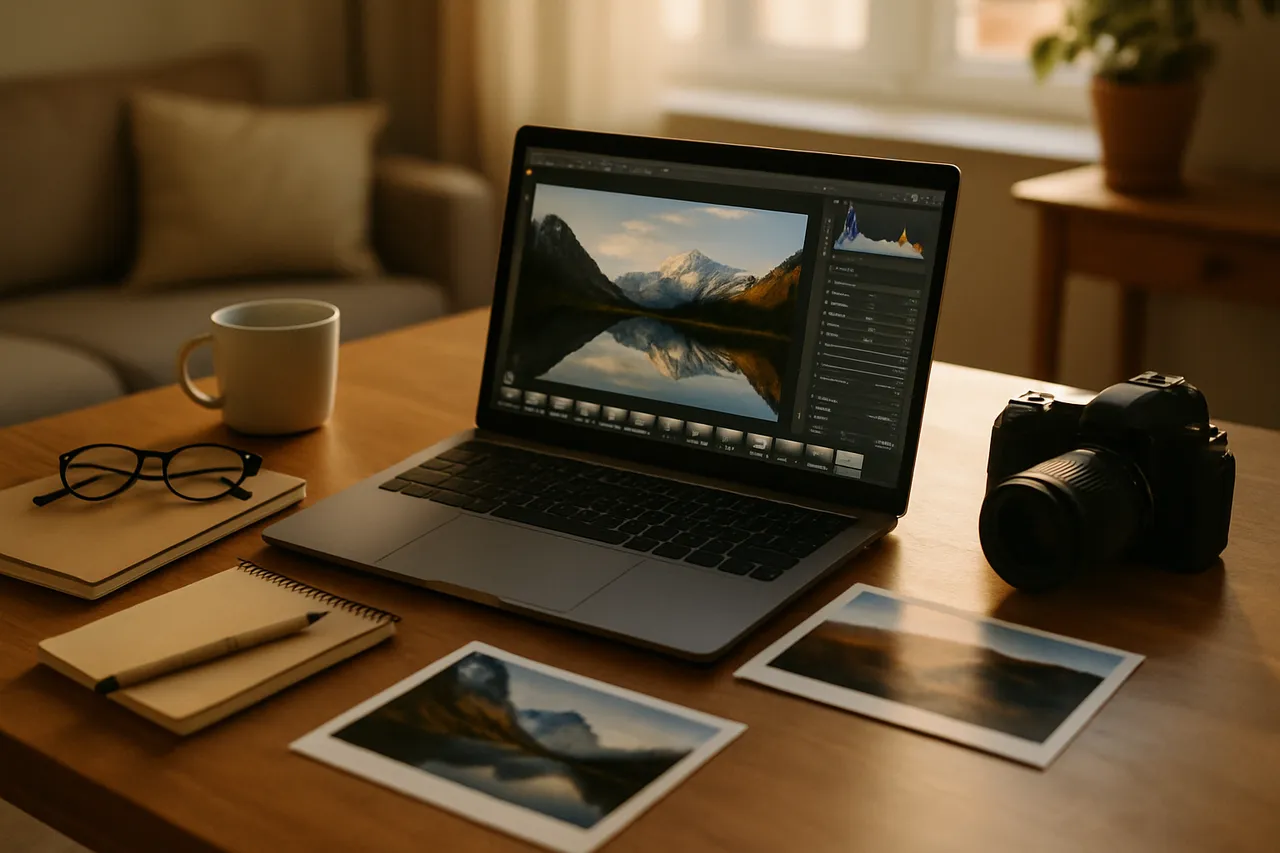
Photo Editing for Beginners
This class is for anyone who takes a lot of photos and never does anything with them afterward. If your good pictures just sit on your phone, come fix a few of them with me.
We work hands-on. Bring your own phone or laptop and edit your actual photos, not mine. We'll start with the crop, which honestly is the most powerful edit and nobody uses it enough, then move into exposure fixes, color and white balance (I call it the blue-picture problem), and knowing when to stop.
We use free and low cost apps the whole way. You don't need to pay for anything to get started.
You'll leave able to make a mediocre photo look like somebody meant to take it. 😊
What you'll learn
- Crop photos to remove clutter and straighten horizons
- Adjust brightness, contrast, and color balance confidently
- Fix common issues like dark, dull, or blue-tinted photos
- Select and edit your own personal photos each week
- Export and share edits without losing image quality
Lessons
- Starting Where You Are
We get set up, pick a free app, and talk about what editing actually is before touching a slider.
- The Crop
The most powerful edit there is, and the one nobody uses enough, so we start here.
- Fixing the Light
Exposure, brightness, contrast, and the trick of walking away and looking again.
- The Blue-Picture Problem
Color and white balance, or why your indoor photos come out looking wrong.
- Knowing When to Stop
Most photos need less editing than people give them, so we practice restraint.
- Doing Something With Them
We put your edited photos to use, and I admit what this class does not cover.
Class discussion
More photography & media classes
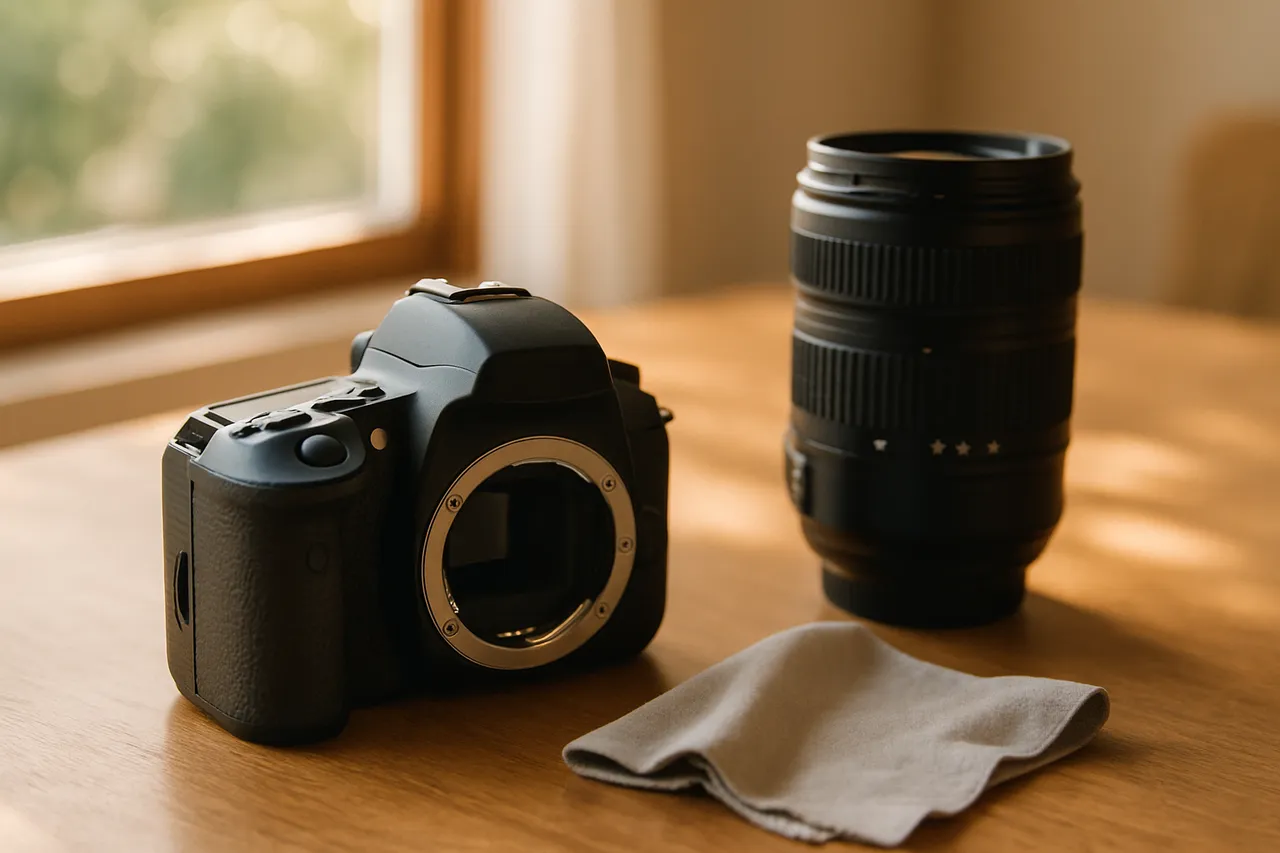
DSLR Basics: Getting Off Auto Mode
with Kevin
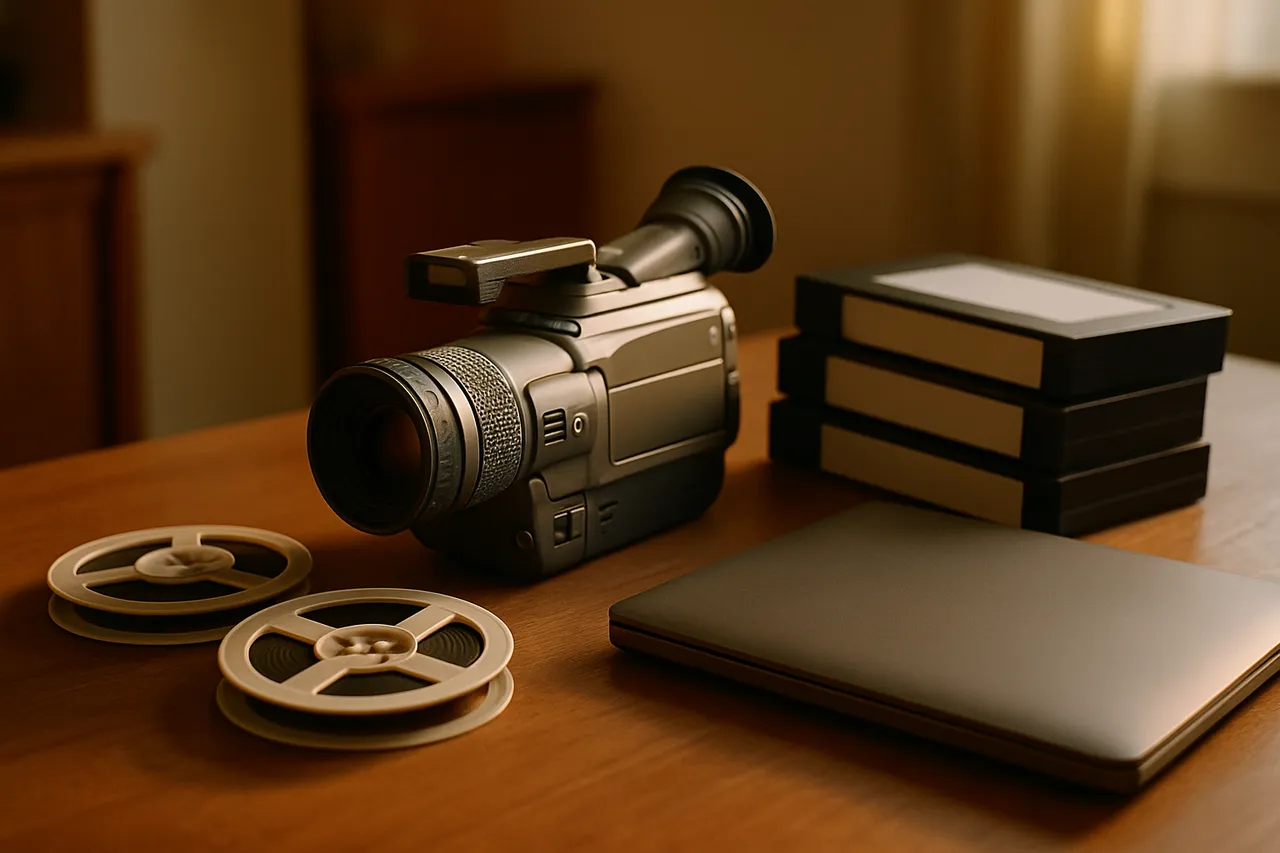
Family History Video Projects
with Sierra
Phone Photography Basics
with Aubrey